Appendices & correspondence
Main document, annexes, price lists and letters on one contract, each keeping its own page numbers for every citation.
CONTRACT LIBRARY
A contract is rarely one file. ContractSorted keeps the main agreement, its appendices, side letters, emails and later amendments together, numbered as one document, so you always see the agreement as it stands today.
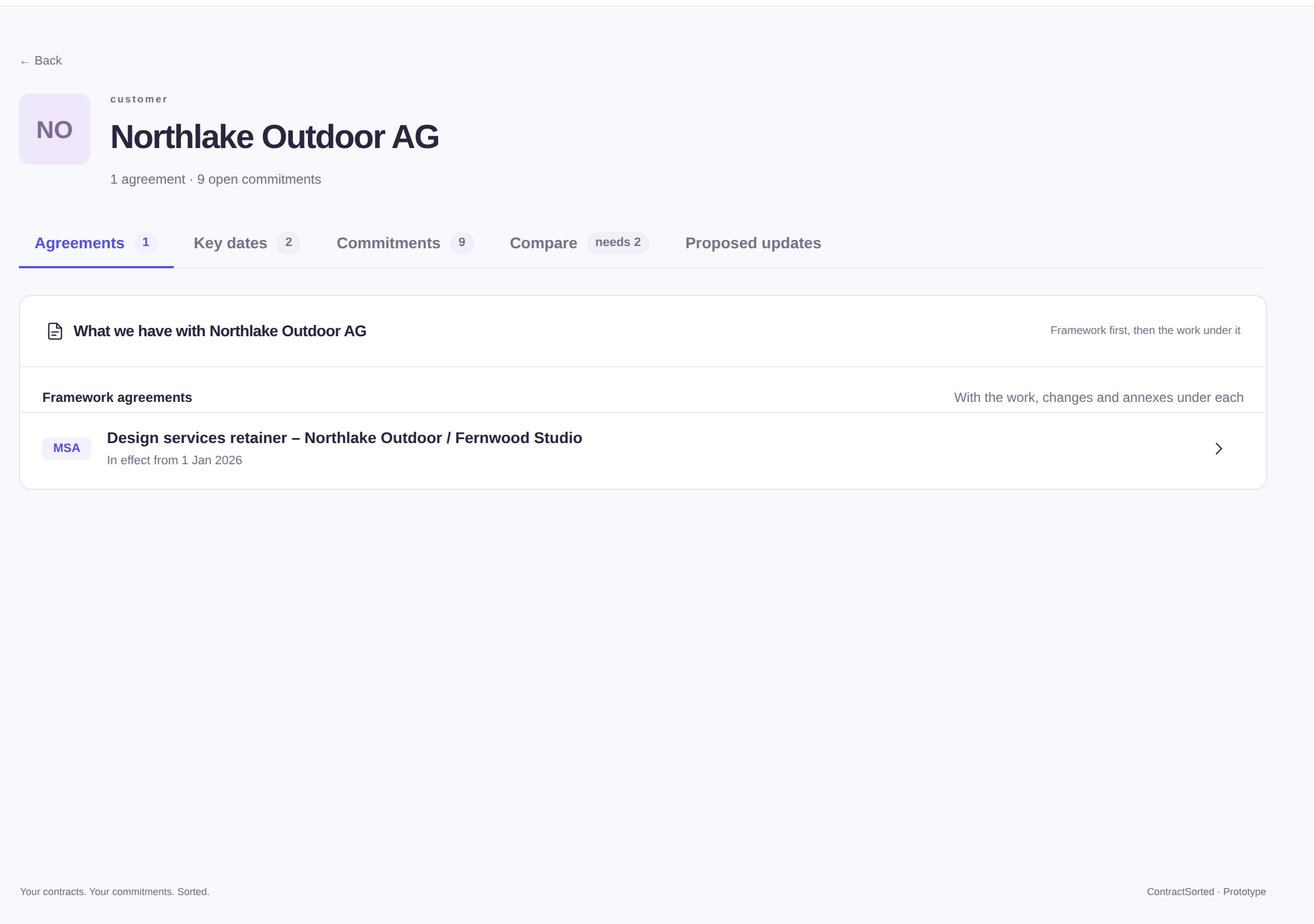
The price list is in an appendix. The extension was agreed by email. The framework agreement was replaced last year, and the work orders under it were supposed to move over. In folders, these are separate files nobody connects.
In ContractSorted they’re one contract, read together. A letter that extends the term updates the date; a new framework agreement proposes what happens to the old work orders.
WHAT YOU GET
Main document, annexes, price lists and letters on one contract, each keeping its own page numbers for every citation.
“Amends”, “under” and “supersedes” links between contracts, set by the AI and shown on both ends. When a new framework agreement replaces an old one, ContractSorted proposes what happens to the work orders under it.
All agreements, dates and commitments with one supplier or client, plus the terms side by side across their contracts.
Pick two contracts with the same counterparty and get the differences that matter, in plain language.
Draft, active, expiring, expired, terminated or superseded, with an archive that keeps your list about live agreements.
Select contracts to change type, team or counterparty, re-analyze, archive, or download them as a ZIP with a folder per contract.
HOW IT WORKS
Contracts, appendices and letters, in any order. They’re grouped for you.
One contract, every document, numbered and searchable together.
Add the next amendment or email; ContractSorted checks what it changes.
GOOD QUESTIONS
Yes: one main document plus any number of appendices and pieces of correspondence. You can reorder them, change their role, replace a file or move it to another contract.
A signed version replaces its draft and keeps everything you’ve added. Earlier versions are kept, and a duplicate upload is caught before it’s filed.
Yes. Deleted contracts wait in the trash for 30 days, with their files, commitments and comments, and can be restored.
Yes. Create it with its counterparty and dates now; attach the signed file when you find it.
YOUR CONTRACTS. YOUR COMMITMENTS. SORTED.
Upload your first contracts today. In a few minutes you’ll know every renewal date, notice period and obligation, and who is taking care of each one.
No credit card. Unlimited users. Set up in minutes.Already have an account? Sign in